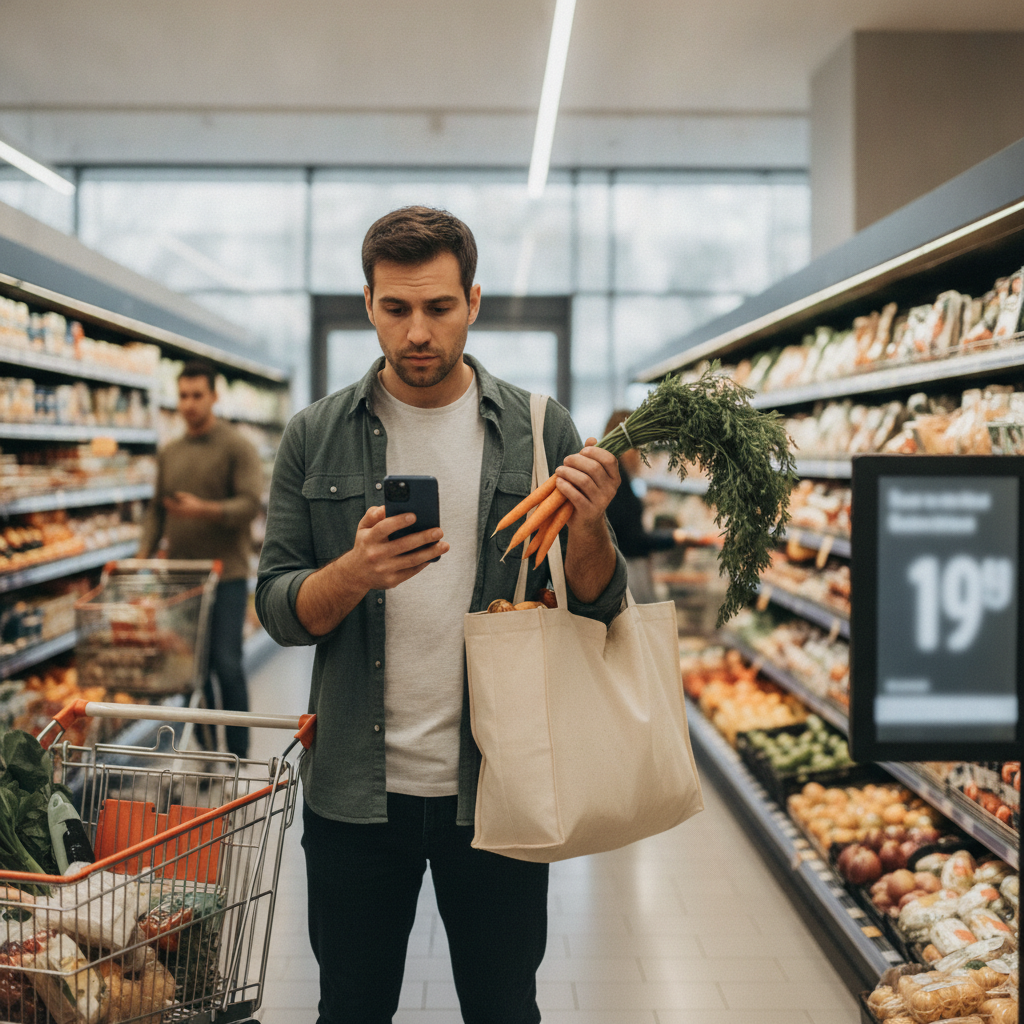
Grocery loyalty apps have multiplied rapidly, and most shoppers now carry at least two or three on their phones without a clear sense of which ones are earning their keep. The promise is always the same — sign up, scan your card, save money — but the reality varies widely. Some apps genuinely shift prices in your favor. Others are sophisticated data collection tools dressed up with points and percentages that rarely translate into anything tangible. Knowing how to tell the difference is one of the most practical things you can do for your household budget.
Does the App Require You to Change What You Buy?
One of the clearest signs that a loyalty app is designed to capture spending rather than reduce it is when the discounts only apply to products you wouldn't normally buy. If Kroger's app is offering you significant savings on three new product launches and a seasonal snack you've never purchased, those aren't real savings — they're incentives to spend more. Apps that consistently discount the staples you already buy, like eggs, produce, dairy, and pantry basics, are the ones worth keeping. Pay attention to whether the weekly deals align with your actual grocery list or pull you toward unfamiliar purchases.
How Does the App Calculate Your Savings?
Many loyalty apps display a running "total saved" figure at the end of every receipt, and that number is almost always misleading. It's typically calculated against an inflated baseline price that few shoppers ever pay. The better question is whether your average spend per week has actually decreased since downloading the app — not whether a banner says you saved a certain amount. Apps like Ibotta and Fetch Rewards work differently from store-branded apps because they offer cash back on purchases you were already planning, rather than inflating a savings counter against fictional retail prices.
Is the Reward Structure Actually Redeemable?
Points systems are where many loyalty apps quietly erode their own value proposition. Some programs require you to accumulate hundreds of dollars in purchases before redeeming even a modest reward, while others set expiration dates that make it nearly impossible to reach the threshold. A useful benchmark is whether you can realistically redeem a reward at least once a month based on your normal shopping habits. Walgreens' myWalgreens program, for example, allows relatively frequent redemptions on everyday health and grocery items, which makes the reward cycle feel tangible rather than theoretical.
Does the App Offer Personalized Deals or Generic Ones?
Personalization is one of the features that separates genuinely useful loyalty apps from ones that simply broadcast the same promotions to every user. When an app learns your purchase history and starts surfacing discounts on the brands and categories you actually buy, it becomes a practical tool. When it sends you the same weekly circular deals that appear on every checkout screen regardless of your habits, it's functioning as a marketing channel, not a savings tool. Target's Circle app has leaned into personalized offers over time, which makes it more useful for regular Target shoppers than a generic coupon aggregator would be.
What Happens to Your Data and Does That Cost You Anything?
Every loyalty app collects purchase data, and that's not inherently a problem — but it's worth understanding what's being exchanged. Some apps monetize your shopping behavior by selling anonymized data to third-party brands and market research firms. Others use it exclusively to improve offer targeting within the app. The distinction matters because apps with aggressive third-party data sharing tend to show you more promotional content and fewer straightforward discounts. Reading the data use section of an app's privacy policy, while not exciting, takes about three minutes and tells you a great deal about the app's primary business model.
Can You Stack the App's Discounts With Other Offers?
One of the most reliable indicators of a savings-focused loyalty app is whether it allows you to combine its discounts with manufacturer coupons, store sales, or rewards from other platforms. Apps that prohibit stacking are often protecting their margin rather than yours. Ibotta, for instance, is specifically designed to work alongside store sales and digital coupons, which means a well-timed purchase can layer two or three discounts simultaneously. If an app's terms actively prevent this, that's a signal the savings architecture is designed with limits that serve the retailer more than the shopper.
How Quickly Does Your Behavior Change After Installing It?
A loyalty app that actually reduces your spending should, over time, reinforce your existing habits rather than reshape them. If you notice yourself making more frequent store visits, buying in quantities larger than you need, or gravitating toward higher-margin branded products because the points feel compelling, the app is working against your budget even if it looks like it's working for it. Tracking your weekly grocery total for a month before and after adopting a new loyalty app is a straightforward way to measure real impact rather than relying on the app's own savings estimates.
Does the App Integrate With Your Broader Shopping Strategy?
The most effective grocery apps work within a wider system rather than demanding you reorganize your entire approach around them. If an app only offers value when you shop exclusively at one retailer or buy within narrow product categories, its usefulness is inherently limited. The better ones integrate with meal planning habits, offer flexibility across categories, and make it easy to access your deals at the point of purchase without friction. An app that requires significant behavioral investment for modest returns isn't saving you money — it's spending your time.
Grocery loyalty apps range from genuinely useful tools to elaborate engagement mechanisms that look like savings programs but function primarily as data pipelines and marketing platforms. The difference shows up clearly when you measure actual weekly spend over time rather than trusting the app's own savings tracker. Apps that discount what you already buy, allow stacking, offer realistic redemption cycles, and don't require you to change your shopping patterns are the ones worth keeping. Everything else is worth a closer look before it earns space on your home screen.